Torterra biome variants
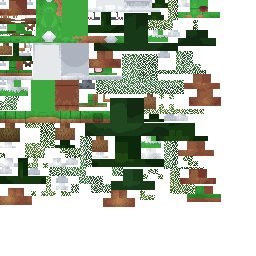
Zerned PokéCraft uses custom Torterra appearances tied to Minecraft biomes. These are visual variants of Torterra, not separate Pokédex species. A different tree, ground, plant or shell appearance does not by itself change Torterra's normal battle identity.
How to collect them
- Search or evolve the Turtwig line in the biome whose appearance you want.
- Catch the Pokémon before leaving the area, then check its appearance after sending it out again.
- Store one of each appearance in the PC and rename it with the biome where it was obtained.
- Do not assume moving an existing Torterra into another biome rerolls its skin; captured Pokémon preserve a numeric skin value in their saved data.
Important pack-data note
Torterra has several custom biome appearances. The complete biome list will be added when the server variant textures are available.
Important: No made-up locations Only confirmed Torterra variants and locations will be listed here.
Player checklist
- Record the exact biome and coordinates when a new Torterra appearance is found.
- Take a front and side screenshot in daylight.
- Note whether it spawned naturally or evolved there.
- Compare normal and shiny versions separately.
- Report duplicates by skin appearance, not only by biome name.